Analyze
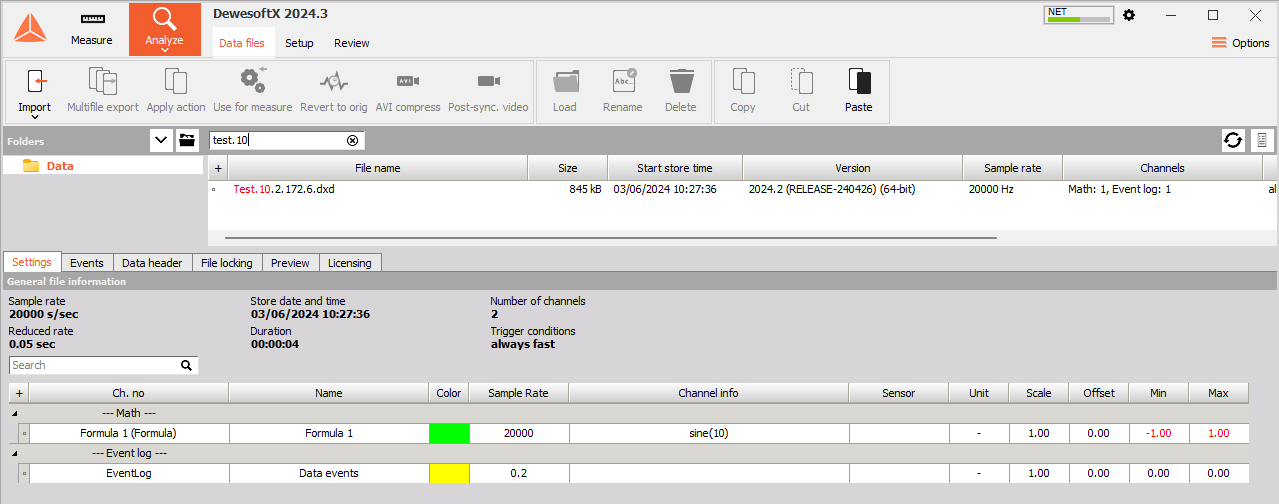
After transferring files to the client, click the Analyze button and locate them. The IP address of the measurement unit is in the filename by default. In the example below, the filename was set to Test, so the full filename is Test.10.2.172.6 because of the IP address of the measurement unit.
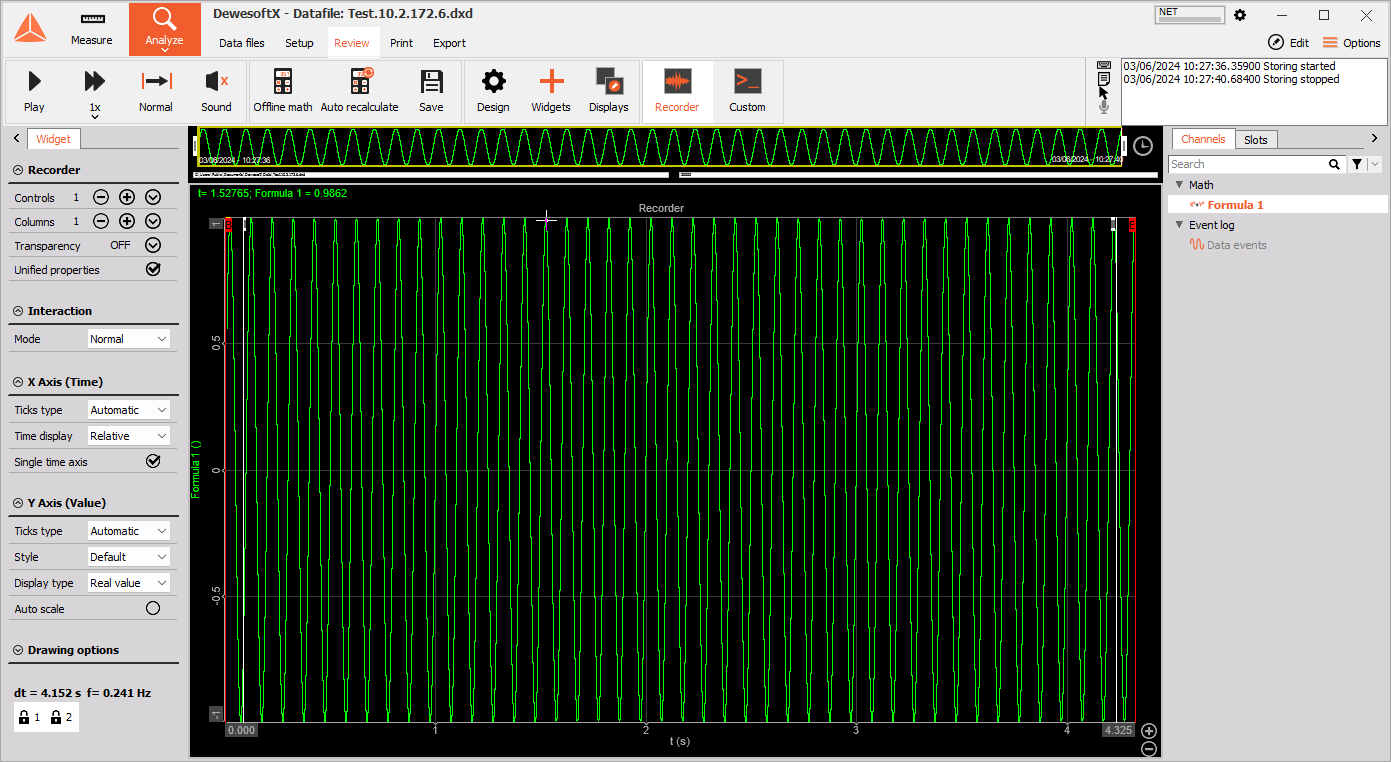
Double click to open and use tools for analyzing, reviewing, printing,… For more information on analyzing files, please consult the Analyze section of the manual.