General Settings
In Measure, there are two setup menus: Setup files and Channel setup.

Measure Button Actions
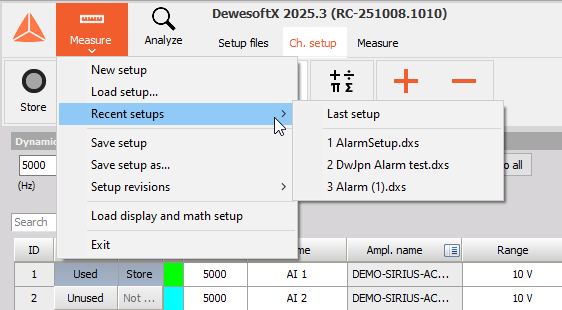
If you click on the Measure button, the following options will be available:
- New setup
- Load setup
- Recent setups - list of recently used setups
- Save setup
- Save setup as..
- Setup revisions
- Load display and math setup - Loads Displays and Math from the selected setup or data files.
- Exit
Setup Files
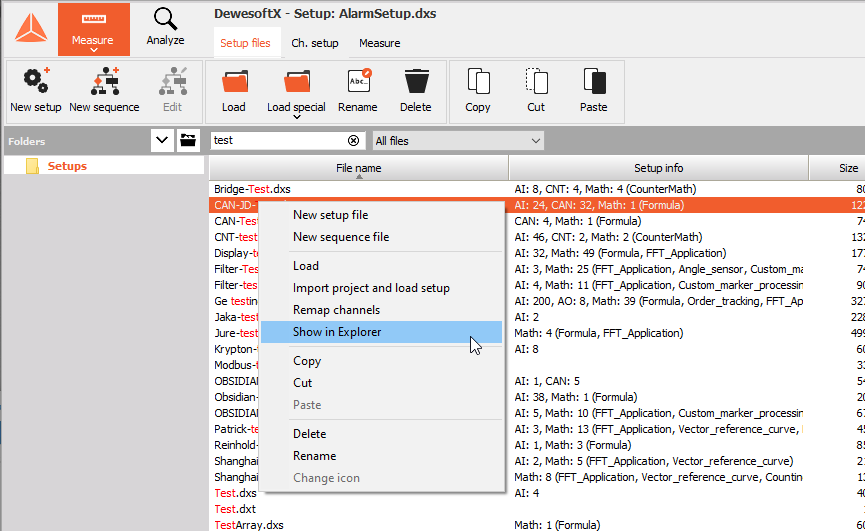
Once in the Setup files menu, you have the following options:
- New setup - Creates a new setup and switches to Channel setup.
- New sequence, Edit - Create a new sequence or edit an existing one.
- Load - Load the selected setup file.
- Load Special
- Import project and load setup
- Remap channels from setup
- Rename
- Delete
- Copy, Cut, Paste
Setup List
Bellow the buttons you will see a list of all available setup (.dxs) or sequencer files (.dxt). The grid have adjustable columns such as:
- File Name
- Setup Info
- Date of Modification
- and others..,
You can sort files by any of these columns.
NOTE: Right click on the setup file in the list and access advance features.
The list of setup files corresponds to the “Setups” folder from the Dewesoft installation. However, the default folder location can be changed by pressing the Map button next to the Folders browser. In this dialog, you have the option to set the current folder as the default.
Channel Setup
Once in Channel Setup, you can save your current setup:
- Save - Saves the current Setup file.
- Save as or Save Revision
NOTE: The *.dxs setup file is always saved in the *.dxd file, like the project file.
Save Revision
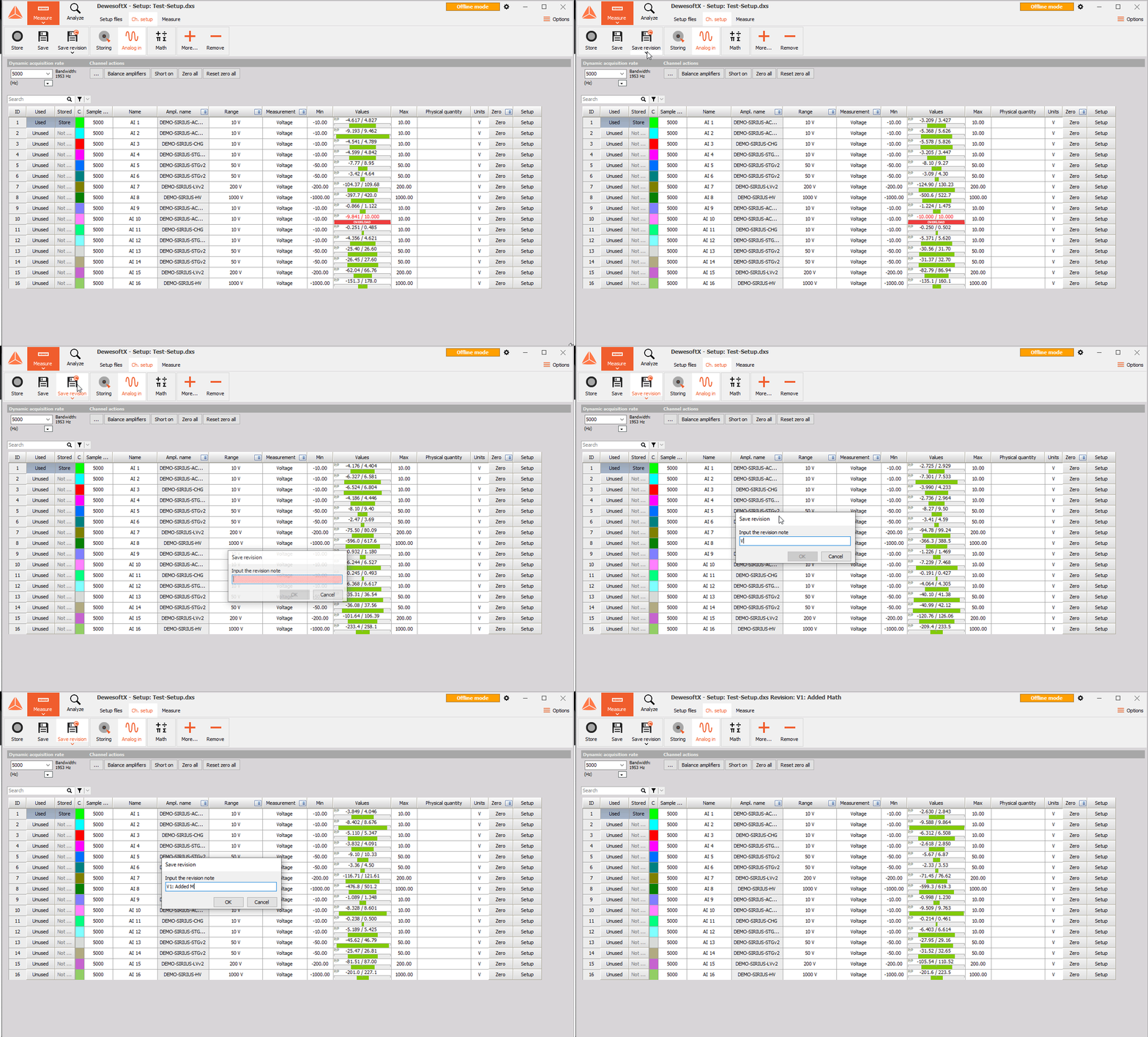
The default Save as action can be changed to Save revision. Each time you save a revision, a pop-up lets you add a short note describing your changes. Edits saved without creating a revision are stored in a working copy, allowing you to continue modifying them before finalizing.
The Setup list now displays all available revisions for each setup file. You can expand, view, edit and open any revision — perfect for reviewing older configurations or building on a stable version.