Report an Issue
To report an issue through DewesoftX, go to Options - Tools - Report an issue.
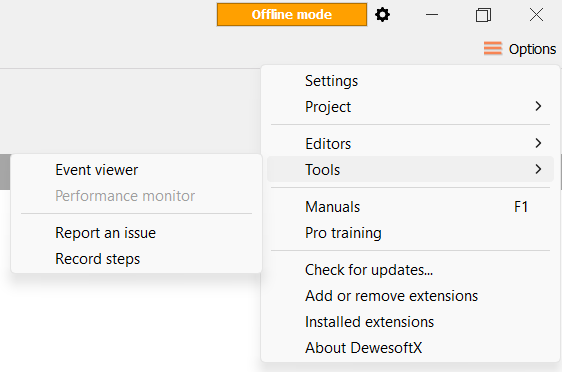
A window will appear:
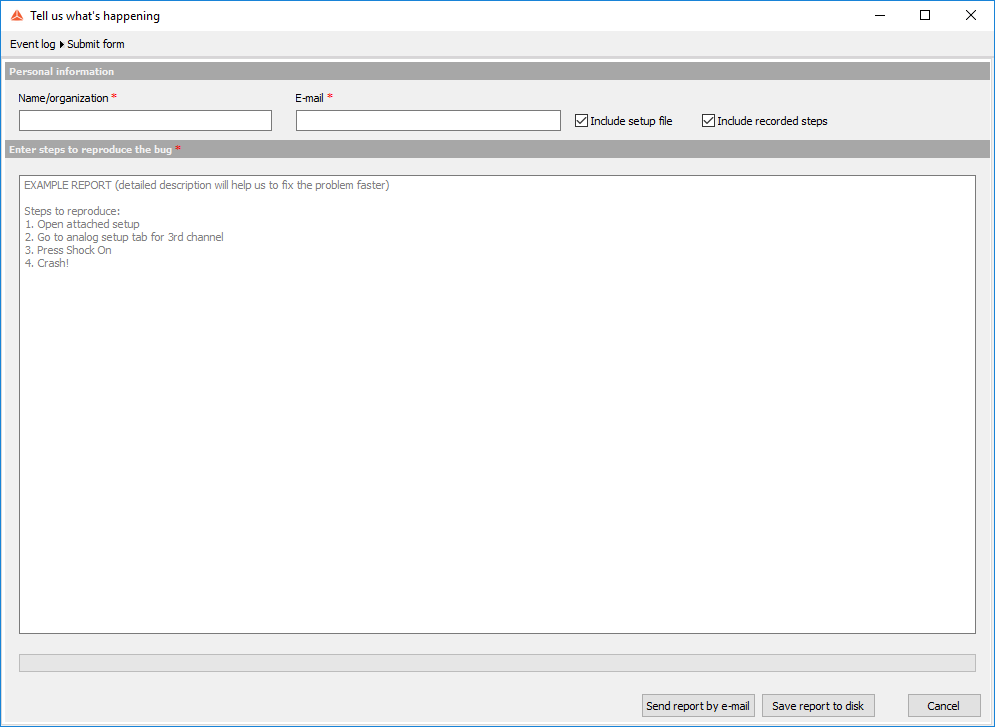
Fill out your personal information, choose whether to include the setup file and/or recorded steps, and describe what happened.
You can send the report by e-mail and/or save it locally.