Display Types
There are 3 types of displays:
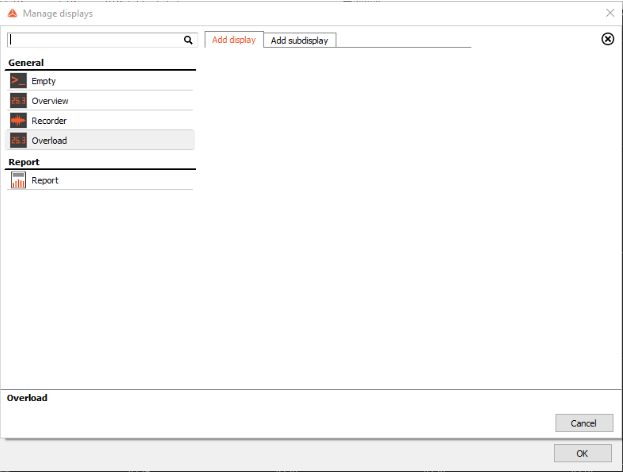
General and Module displays are used in both Measure and Analyze mode. Except for the Empty display, they contain various widgets. Module displays provide a practical visualization for a specific application. For example, the FFT Analyzer display will create a 2D graph and display the FFT data.
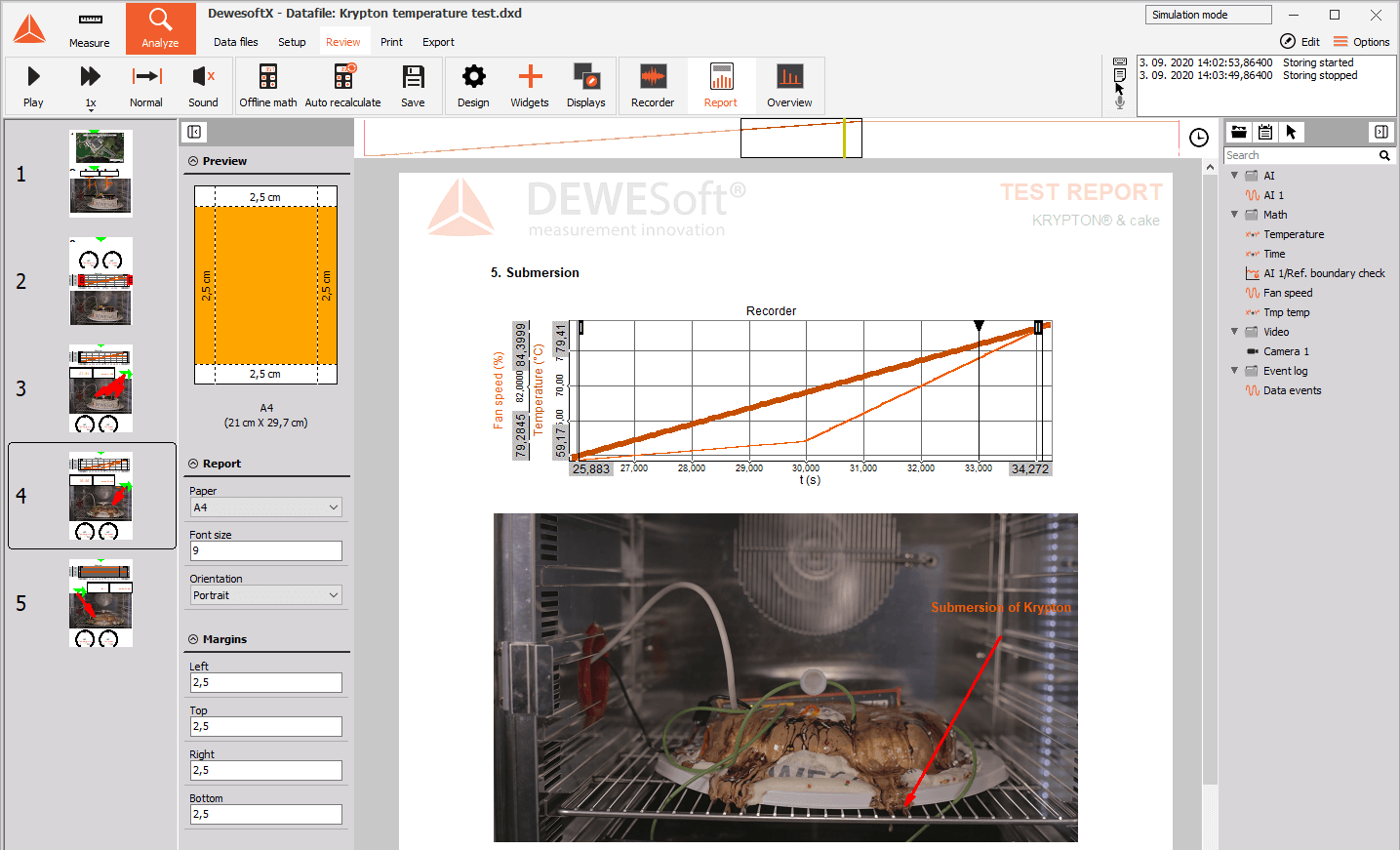
Report displays are used for reporting purposes - turning your data into information. The size of the report display is tied to a paper sheet’s dimension, not to the resolution of a monitor. If you print or export to PDF, you will keep the same aspect ratio. Report pages also have individual timebases, allowing you to show different time windows on each page if needed.
General Displays
- Empty - an empty display
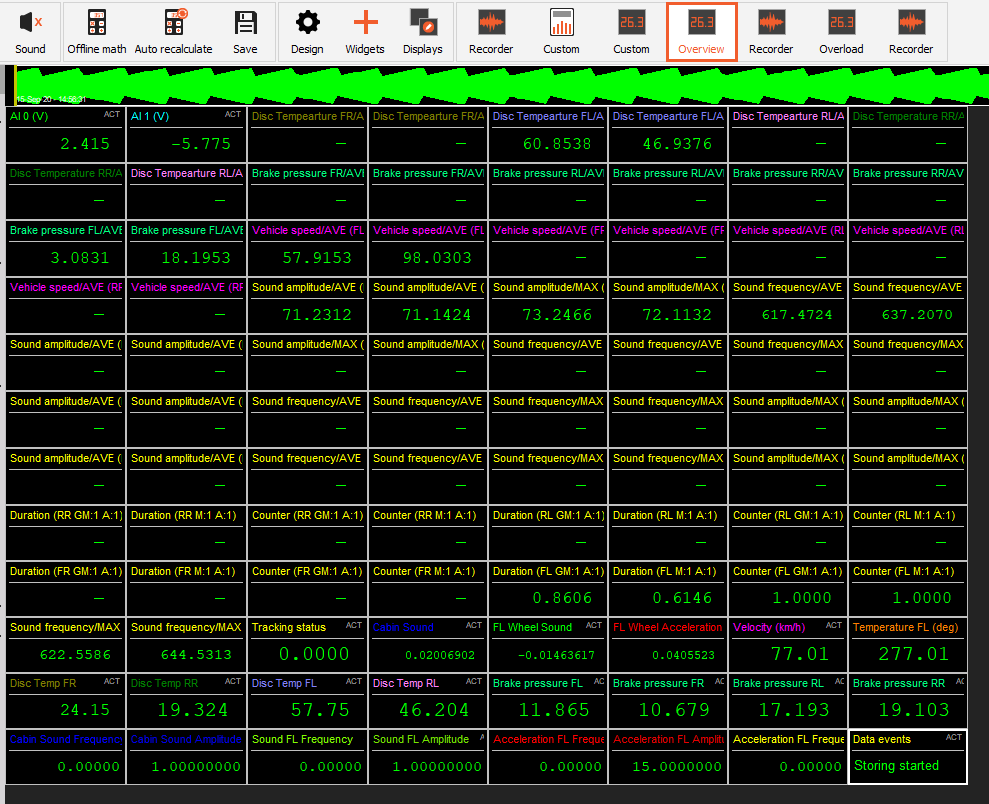
- Overview - a display with Digital meter widgets for active channel.
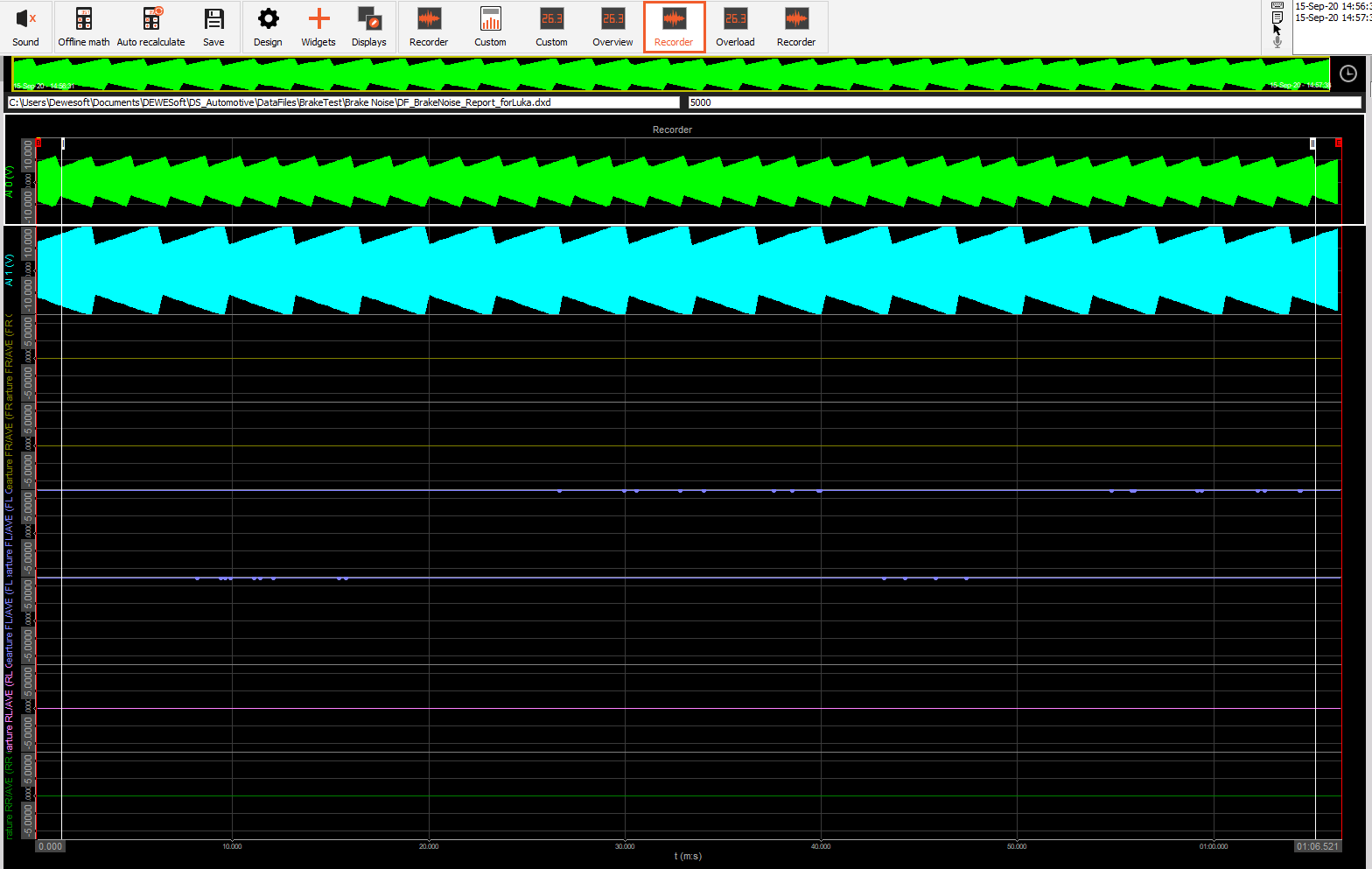
- Recorder - a display with a Recorder widget for all active channels.
- Overload - an overload display for all active channels.

Module Displays
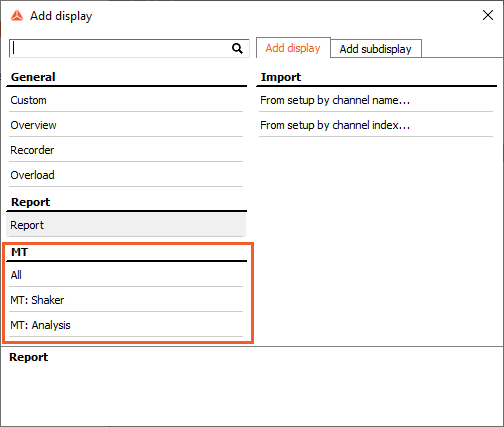
DewesoftX offers auto-generated displays for an easier start. They include most often used widgets in an arrangement that is most beneficial for the selected application. Below is an example of predefined displays for the Modal test:
Report Displays
Report displays represent a piece of paper in the format and orientation (landscape or portrait) of choice. Since the dimensions of report pages are fixed, all added display widgets will keep their aspect ratio when printing, generating a PDF file, or switching between monitors.

Another key difference between regular and report displays is that each report display can have a custom zoom region and cursor position, allowing you to highlight specific data points. Along with a customizable header, footer, and font size, multiple pages can be stringed together into a full report that has a print preview available at the left side of the screen, while the built-in page designer allows you to reorder pages or add new ones by right-clicking.