Predefined Channels
In the DewesoftX Predefined channels editor, you can predefine channel names and descriptions.
This is an advanced feature that needs to be enabled in Options - Settings - Advanced - Devices.
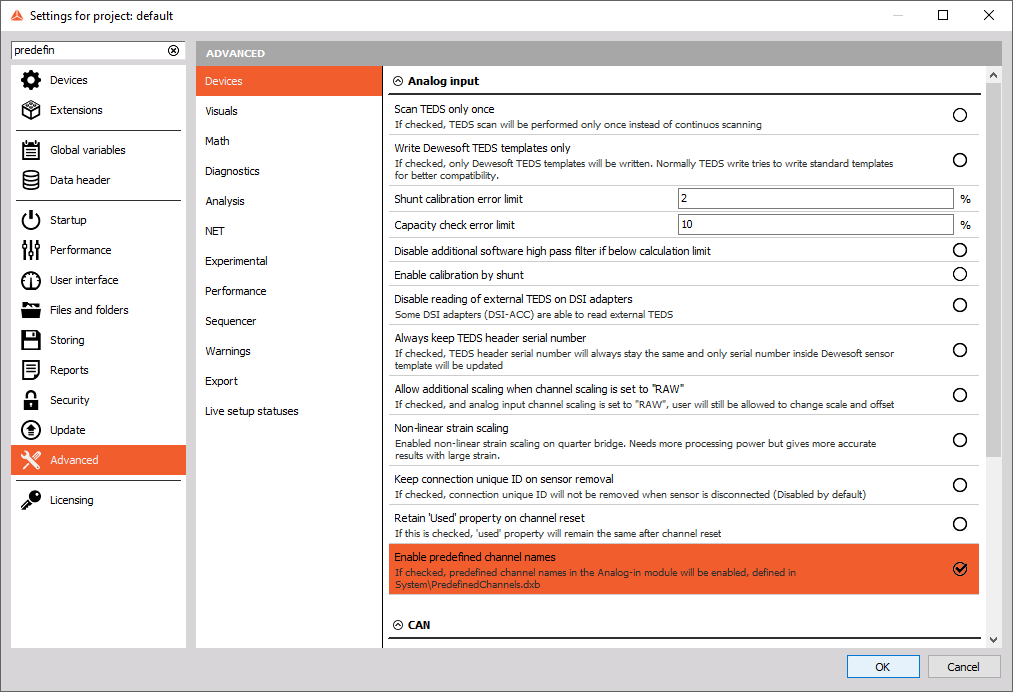
When you open the editor, the following window will appear:
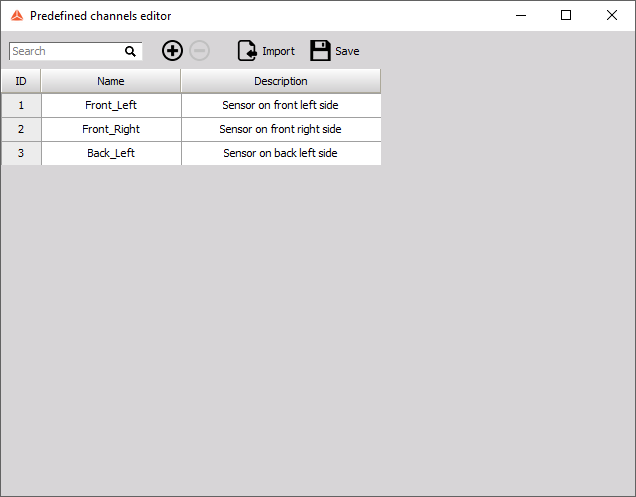
You can:
- Search for channels
- Add/Remove channels
- Import predefined channels
- Save
- Edit channel name/description by clicking on it.
The list of predefined channels will be saved to a file called PredefinedChannels.dxb, which is located in the Dewesoft System folder. Use it to import channels to another instance of DewesoftX.
Analog Input
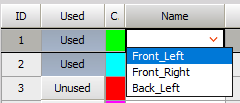
After saving, go to Analog Input. When you click on a channel’s Name, a dropdown list of predefined channel names will appear. Once you select the desired channel name, the Description cell will be automatically filled.
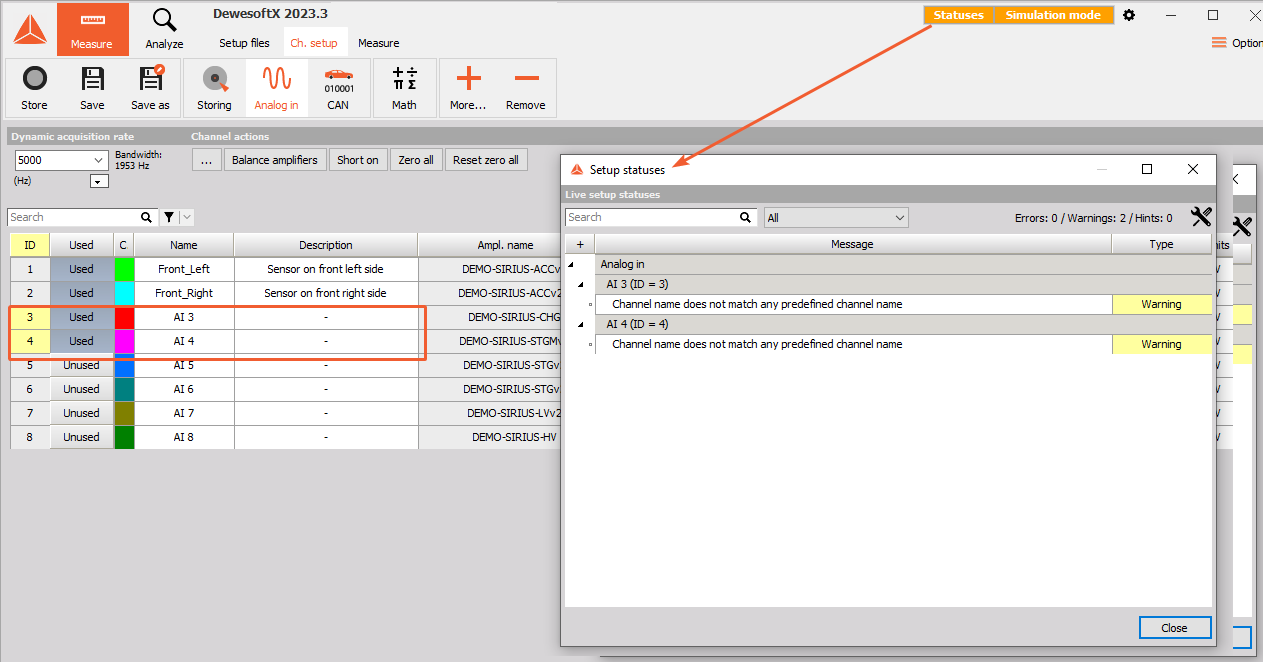
If the channel is set to Used, but its name is not on the predefined channel list, a warning will appear.