Experimental
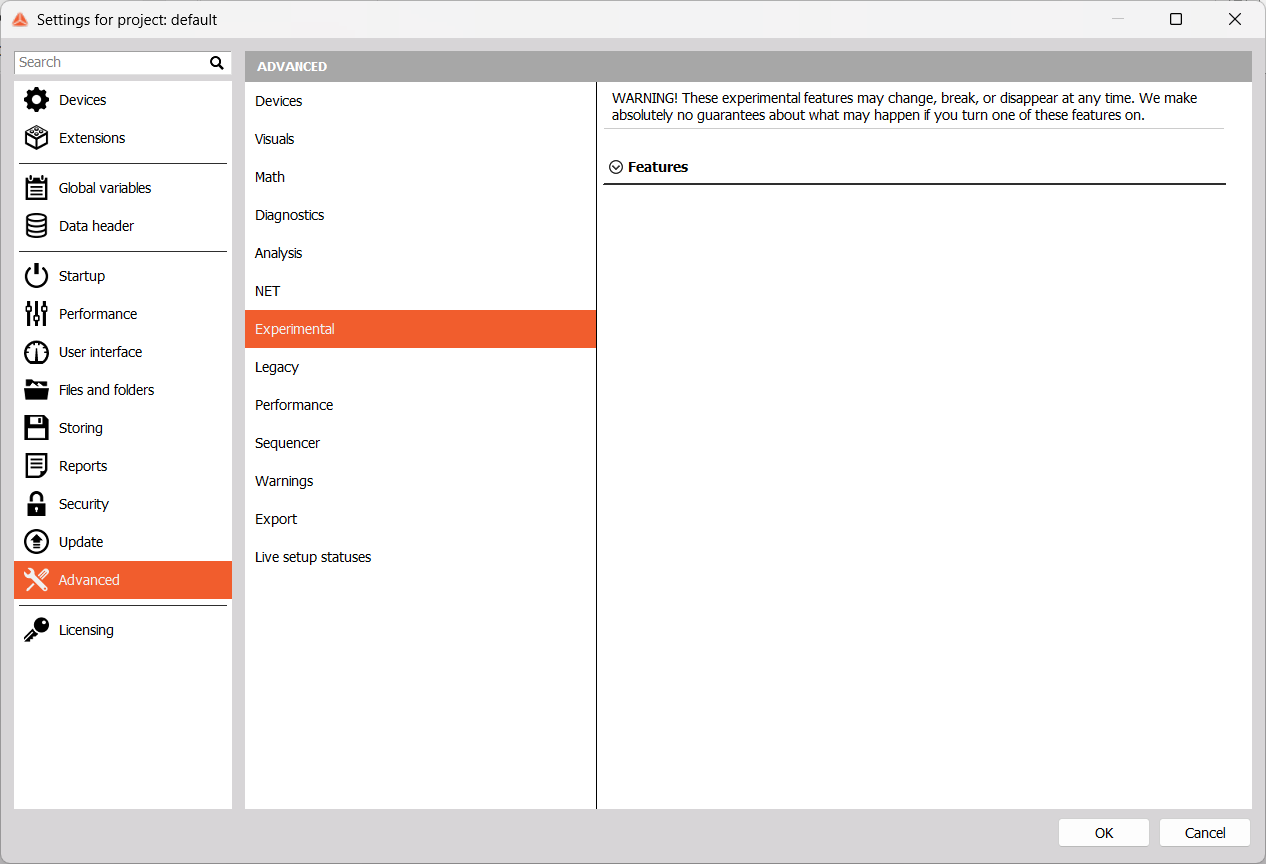
WARNING: These features may change, break, disappear at any time. We make no guarantees on Dewesoft behavior with one or more experimental features enabled.
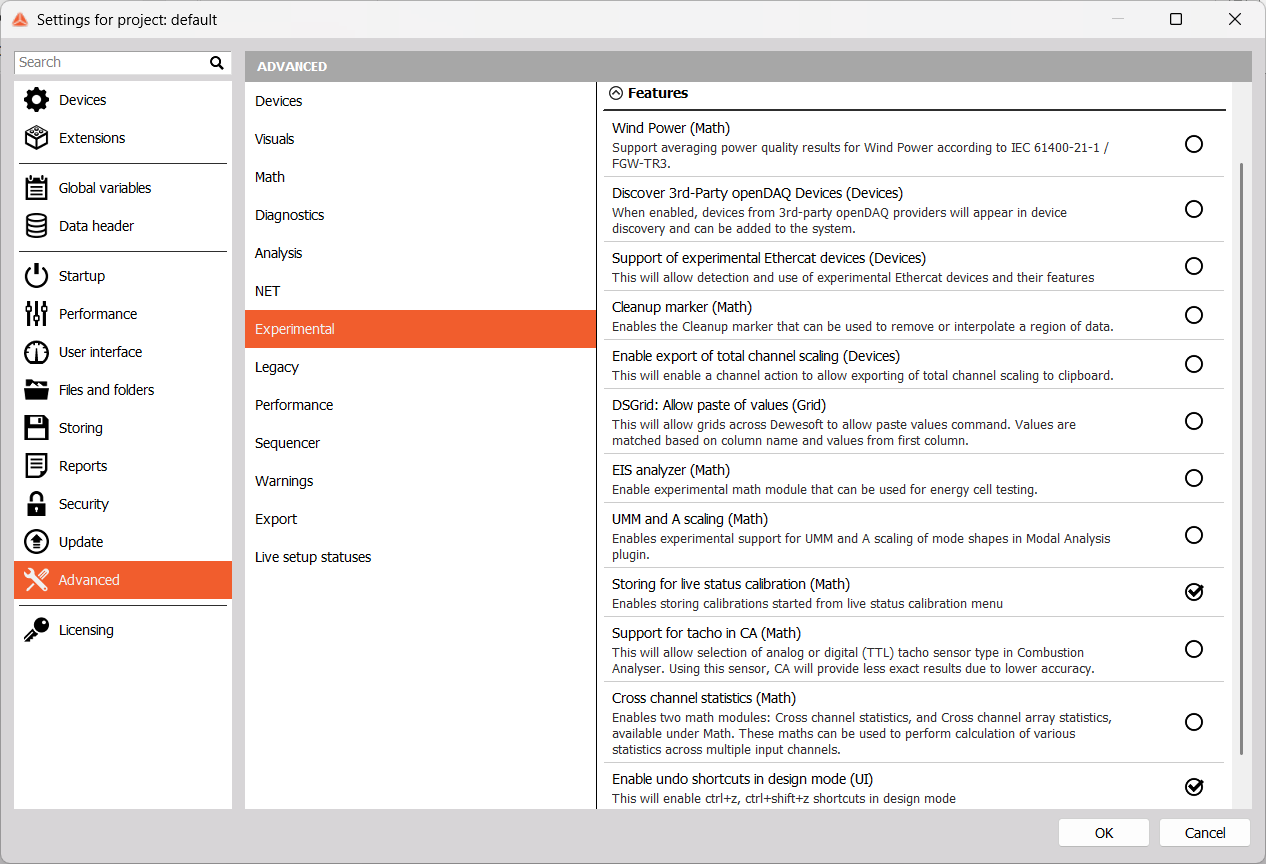
Experimental features can be sorted into the following categories, indicated in parentheses next to each one:
- Math
- Wind power - averaging power quality results for Wind power
- Cleanup marker - can be used to remove or interpolate a data region.
- EIS analyzer - energy cell testing math module.
- UMM and A scaling - scaling of mode shapes in Modal Analysis.
- Storing for live status calibration - live status calibrations can be stored.
- Support for tacho in CA - allows analog or digital (TTL) tacho sensors in Combustion Analysis, less accurate results.
- Cross channel statistics - math modules for statistics calculations across multiple input channels.
- Devices
- Discover 3rd-Party openDAQ Devices - 3rd-party devices can be added.
- Support of experimental Ethercat devices - enables devices which are not yet released.
- Enable export of total channel scaling - to clipboard.
- Grid
- DSGrid: Allow paste of values - copy the grid as a text file, change it and copy it back in Dewesoft grid.
- UI
- Enable undo shortcuts in design mode - use CTRL+Z and CTRL+SHIFT+Z shortcuts in Design mode.