Visuals
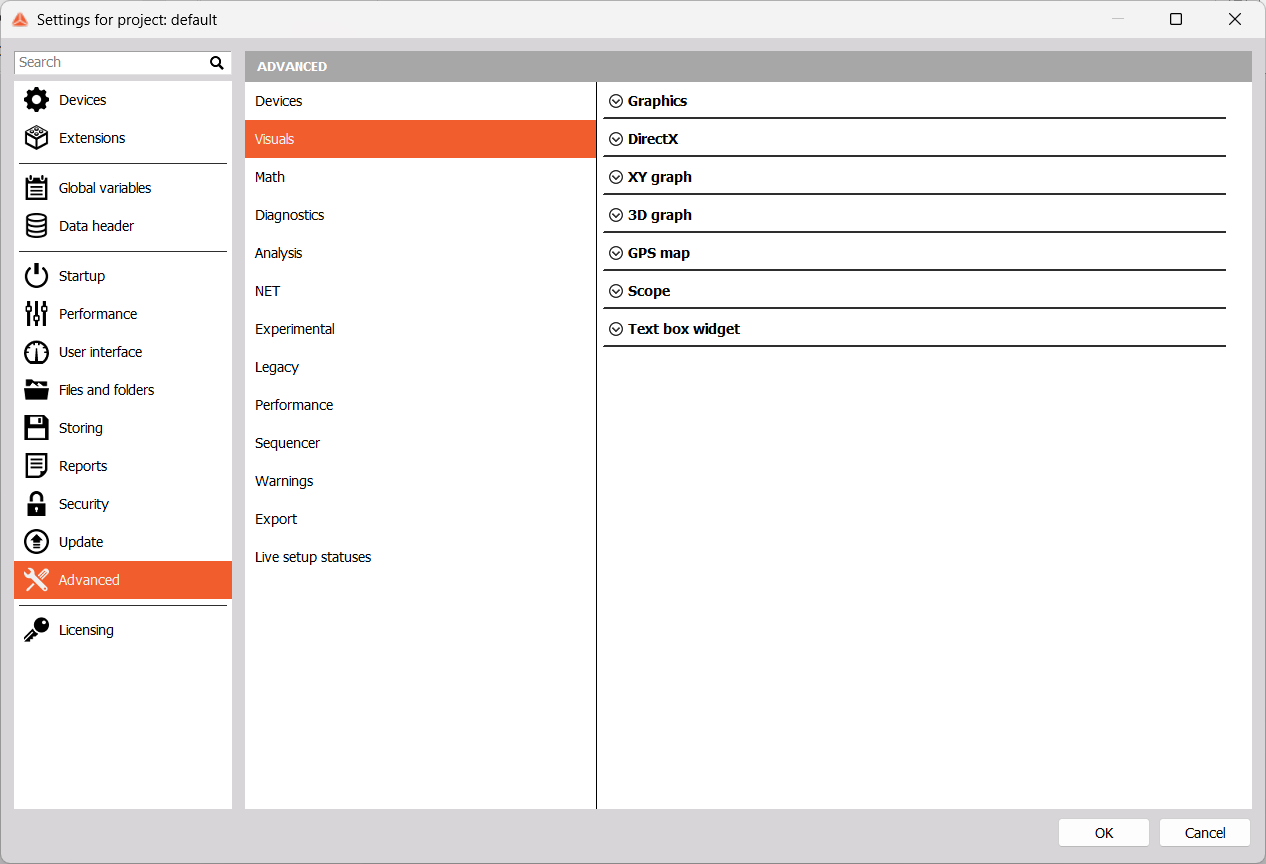
Graphics

When Use asynchronous buffer for GDI calls is enabled, graphics are done in parallel with acquisitions. You can also set the Asynchronous buffer size here.
DirectX Engine
You can customize DirectX features in this section.
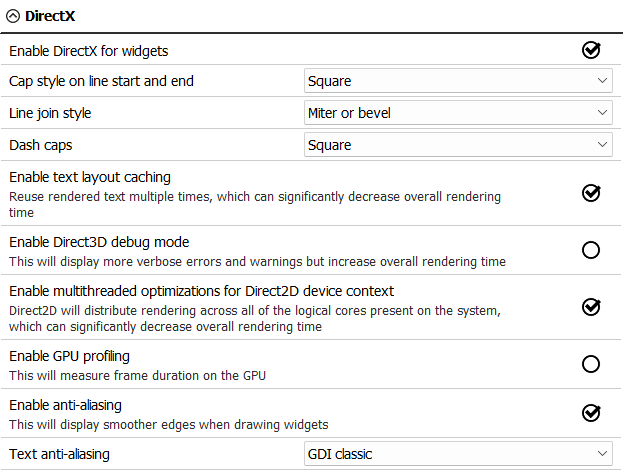
Enable DirectX for widgets and adjust its performance. Choose cap and line join styles. Enable text layout caching and multithreaded optimizations for Direct2D device context to decrease overall rendering time. If you want more detailed errors and warnings, you can Enable Direct3D debug mode, but overall rendering time will be increased. To measure frame duration on the GPU, Enable GPU profiling. Enable anti-aliasing for smoother widget edges and choose the type of Text anti-aliasing you wish to use.
XY Graph
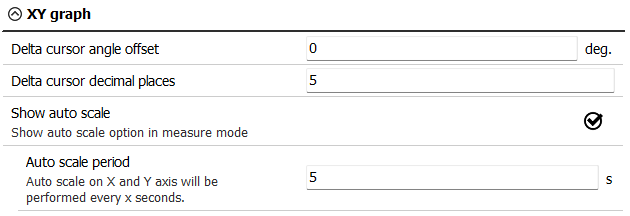
You can define the Delta cursor angle offset and Delta cursor decimal places. If Show auto scale is enabled, you can auto scale graph in Measure mode. You can also set how often auto scale will be performed by adjusting the Auto scale period.
Example - Delta cursor angle offset:
On the left picture, the angle of the line between the two points is 7 degrees. If the angle offset is set to 10 degrees, the angle of the line between the same two points will be 17 degrees.

3D Graph
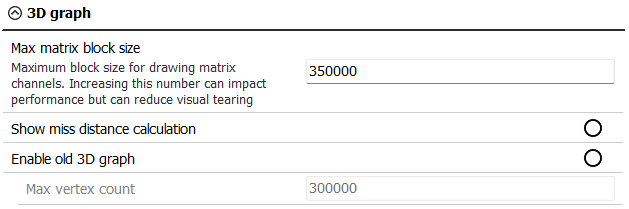
Adjust the maximum block size for drawing matrix channels by changing Max matrix block size. Increasing this number can reduce visual tearing, but impact performance. You can also choose to Show miss distance calculation and Enable old 3D graph.
GPS Map
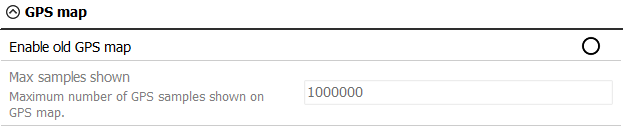
If you wish, Enable old GPS map here.
Scope
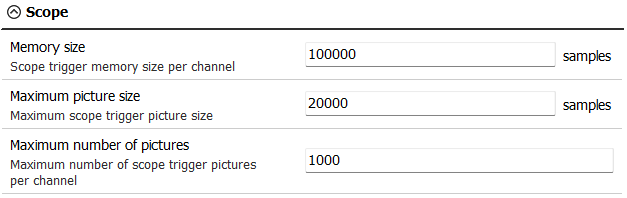
Adjust theMemory size per channel, Maximum picture size, and Maximum number of pictures for the Scope.
Text Box Widget

Enable old text box widget if you wish to use it.