Export
In this section, you will find advanced settings relating to exporting your data.
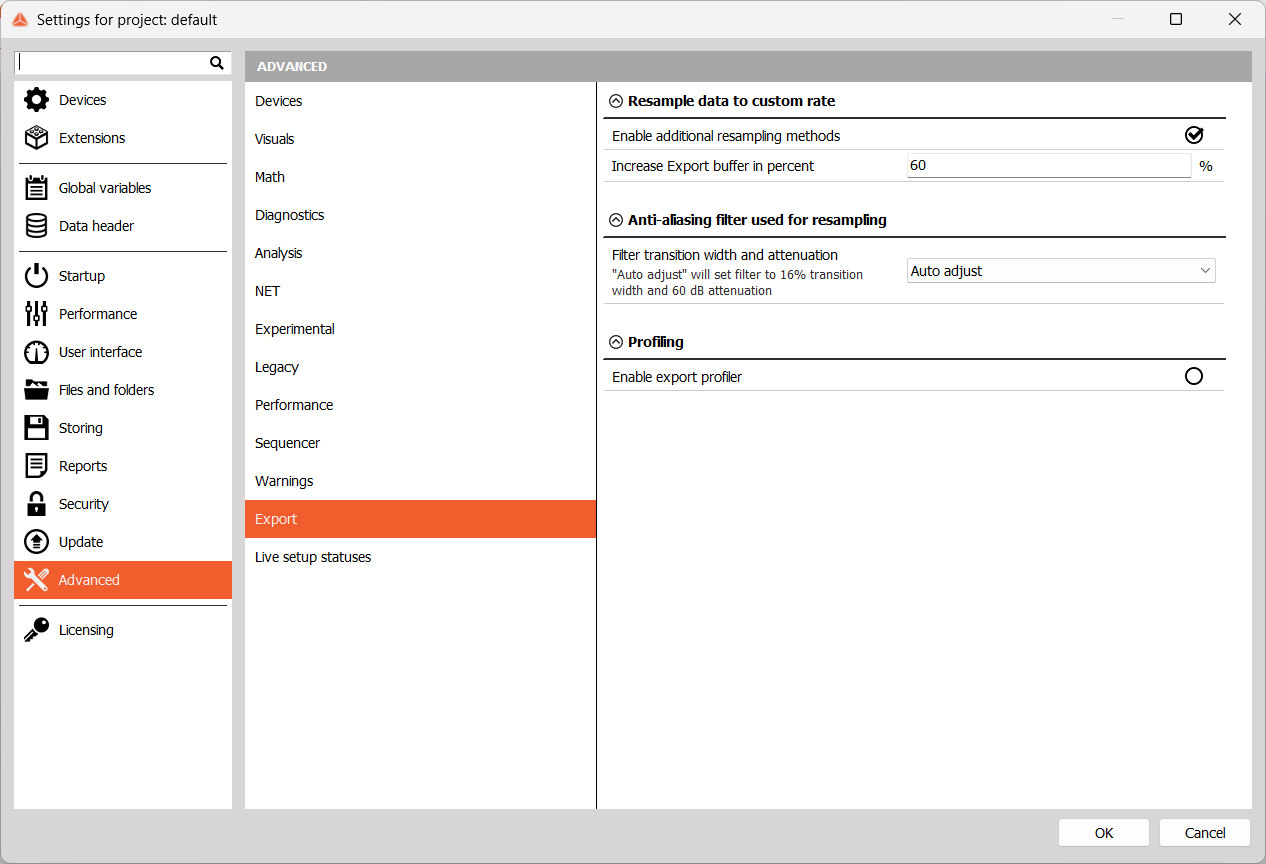
Resample Data to Custom Rate
Additional resampling methods are enabled by default. These methods are hold, linear and alias-free. For additional information, please visit Export data to custom rates. You can also increase the Export buffer as a percentage if you wish to increase export speed.
Anti-aliasing filter used for resampling
As mentioned before, an anti-aliasing filter can be used to resample data rate and you can configure some of its properties here. They can be set to Auto adjust or User defined. If the Auto adjust is chosen, the transition bandwidth will be set to 16% and the sidelobe attenuation to 60 dB.

If you choose User defined, you can set the transition bandwidth in terms of percentage of the export rate and set the sidelobe attenuation allowed by the filter.

Profiling

You can Enable export profiler here. The export profiler will create a ExportProfiler.txt file under DewesoftX installation folder System\Logs. This file shows the data export duration in milliseconds.