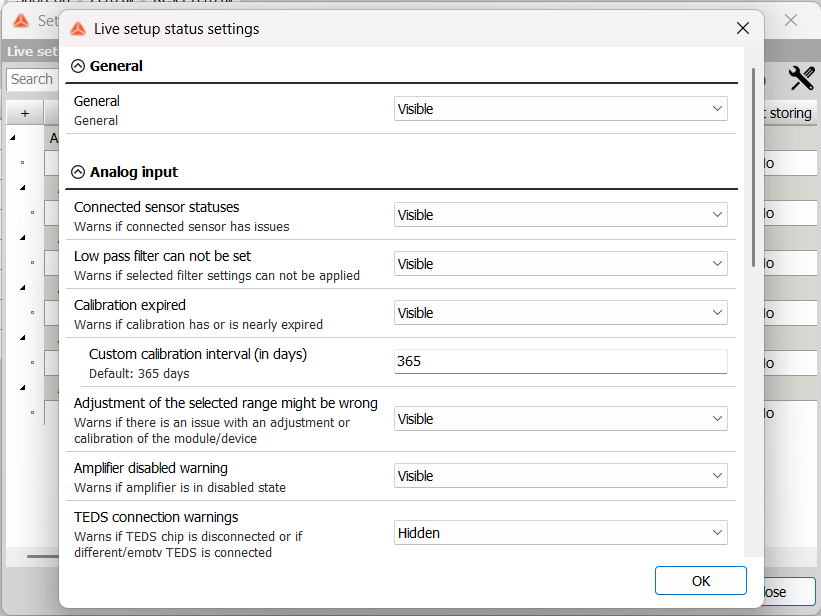
Live Setup Statuses
Live setup statuses give you a more in-depth look into setup configuration in real time. You will be notified of errors by the Statuses bar in the upper right corner turning red. Clicking on it will open the Setup statuses window.
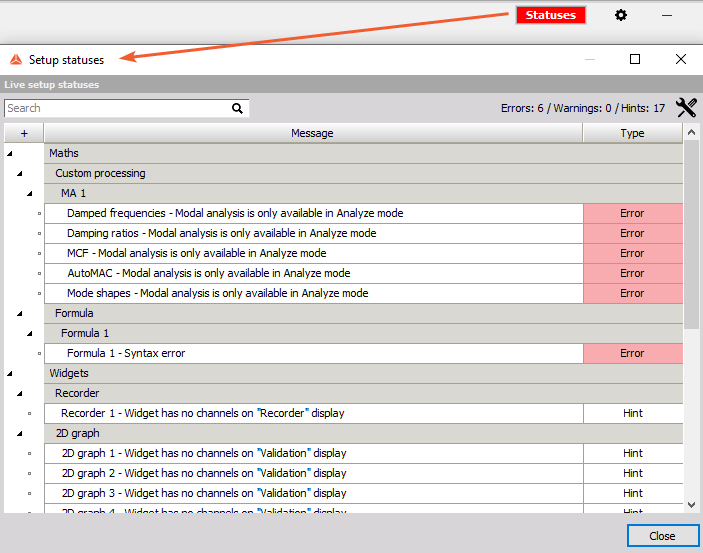
You can receive Errors (most severe), Warnings, and Hints (least severe).
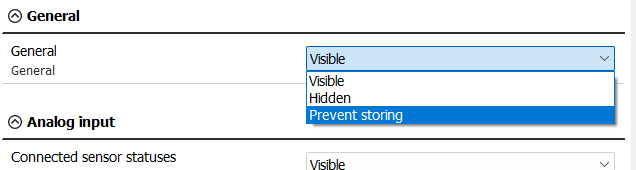
Most setup statuses are Visible by default, but can be Hidden. You can also select Prevent storing for certain statuses, meaning that storing will not start until you resolve the status.
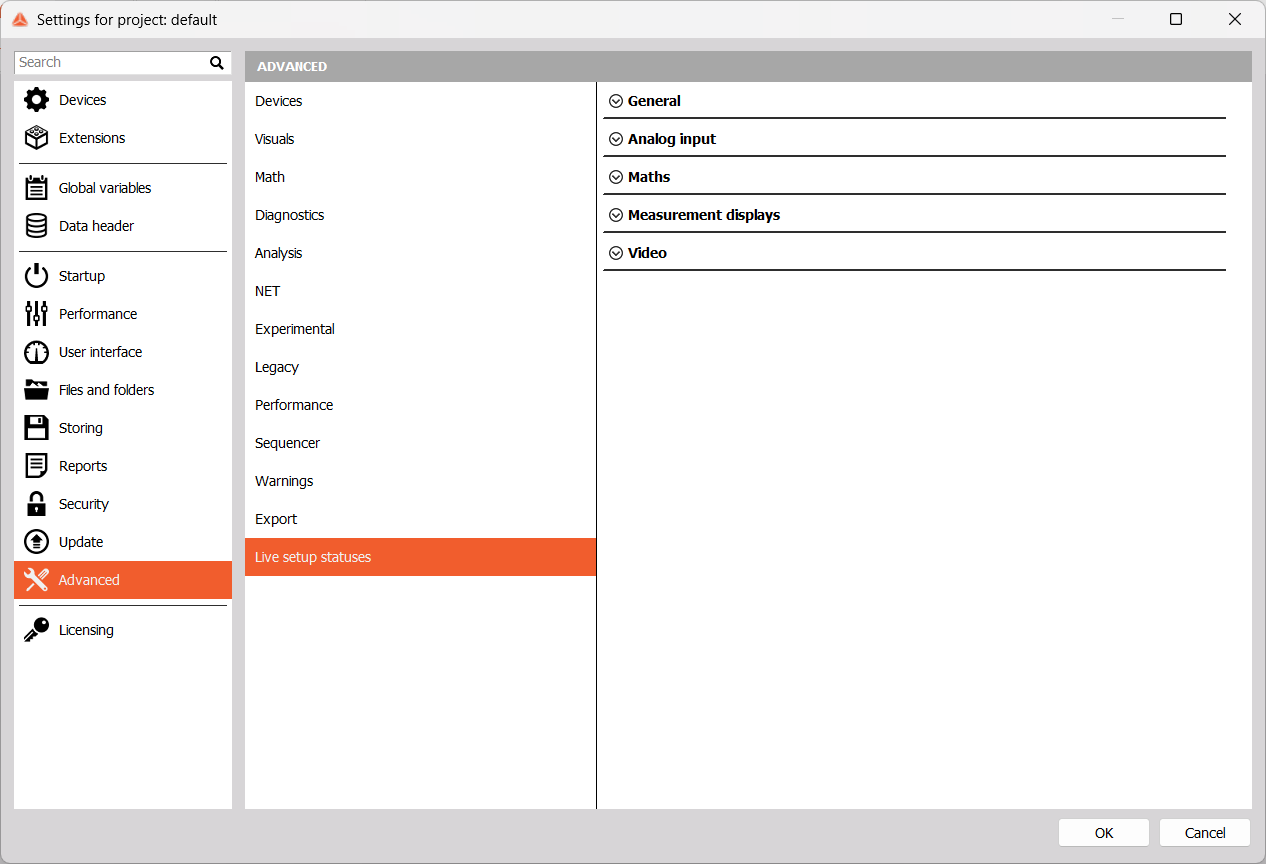
You can also access these setting by pressing the Tools icon in the upper right corner of the Setup statuses window.